
Showreels allow for easy organization of comments you discover through the text analytics tool. Showreels can be used to expedite the process of creating PowerPoint presentations.
When you discover a consumer comment that you want to include in a presentation, or simply organize for later review, hit the + sign below the comment in the text viewer.

The “Add to Showreel” dialog will appear that looks like this.
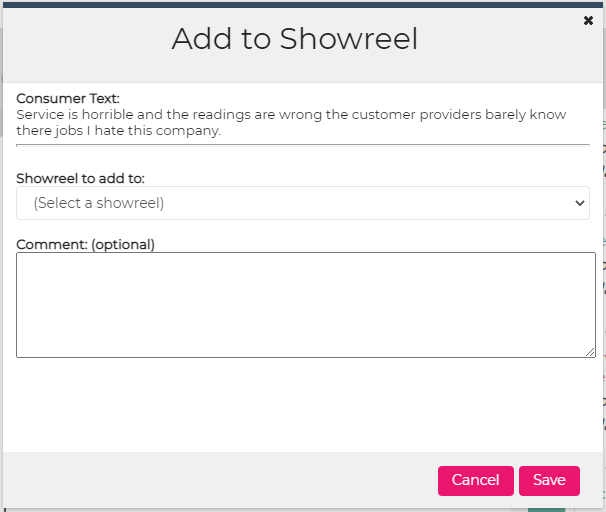
The “Showrell to add to:” dropdown will list all of the showreels you have access to. If you do not see one that fits your need, choose “(Add a new shoreel)” – the last option in the list. You will be prompted to assign a name to the new showreel.
You can include an optional comment that will appear alongside the consumer comment when exported to PowerPoint.
Click Save and the comment is now part of the chosen showreel.